
The Dell Latitude 14 5000 Series E5470 Quick Start Guide provides information on how to use the notebook.
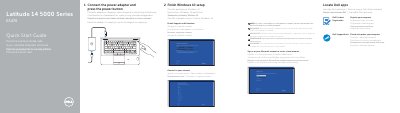
The Dell Latitude 14 5000 Series E5470 Quick Start Guide provides step-by-step instructions for setting up the laptop, including connecting the power adapter, pressing the power button, locating Dell applications, registering the product, using Dell SupportAssist, completing Windows 10 setup, enabling support and protection, connecting to a network, and signing in to a Microsoft account.
The guide also includes a detailed diagram of the laptop's features and ports, such as network connector, VGA, HDMI, USB 3.0 connectors, SD card reader, headphone jack, optional SIM card slot, camera, fingerprint reader, and smart-card readers. It lists regulatory information, support resources, and contact details for Dell.
| Network connector | Present |
|---|---|
| VGA connector | Present |
| HDMI connector | Present |
| SD memory-card reader | Present |
| Headphone connector | Present |
| Docking connector | Present |
| Optional SIM card slot | Optional |
| Optional camera | Optional |
| Optional fingerprint reader | Optional |
Connect the power adapter and press the power button.
Dell SupportAssist checks and updates your computer.
Enter the password for the wireless network access when prompted.