
Dell Latitude 15 5000 Series E5570 Laptop Quick Start Guide.
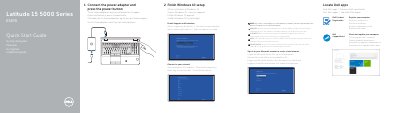
This Quick Start Guide provides step-by-step instructions for setting up the Dell Latitude 15 5000 Series E5570 laptop, including connecting the power adapter, completing Windows 10 setup, enabling support and protection, connecting to a network, and signing in with a Microsoft account. It is presented in English, Danish, Finnish, Norwegian, and Swedish.
The guide also illustrates the laptop's features and ports, such as network connector, VGA, HDMI, USB 3.0, Thunderbolt 3, and optional components like a fingerprint reader and smart card reader. It directs users to Dell.com/support for product support, manuals, and regulatory compliance information.
Connect the power adapter and press the power button.
Visit Dell.com/support or Dell.com/support/manuals for product support and manuals.