
Dell Vostro 1710 Notebook Service Manual

The Dell Vostro 1710 notebook is a high-performance laptop that features an Intel Core 2 processor, 2GB of memory, and a 17-inch display. It also includes a wireless network card, Bluetooth, and a fingerprint reader.
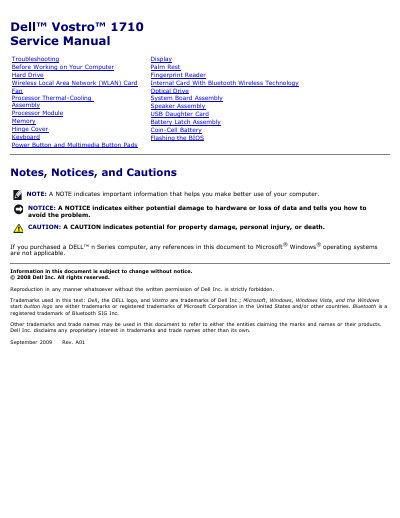

Dell Vostro 1710 Notebook Service Manual - cover page
Brand
DELL
Category
Laptops
Document type
Service Manual
Language
English
Pages
69
File format
PDF
File size
1.7 MB
Published
22 November, 2023
Updated
22 November, 2023
MD5 checksum
A6BD7BF9ECFF0113D2BA3D2EE9B6E5ED

About this manual

This service manual provides detailed troubleshooting and repair information for the Dell Vostro 1710 notebook. It includes diagnostic light codes, hardware troubleshooting steps, and instructions for running the built-in Dell Diagnostics from the hard drive or from the Drivers and Utilities media.

The manual also lists the major replaceable components such as the hard drive, WLAN card, fan, processor, memory, keyboard, display, and system board assembly, along with safety notices and BIOS flashing guidelines.

What's inside

  • Troubleshooting
  • Diagnostic Lights
  • Diagnostic Light Codes
  • Hardware Troubleshooter
  • Dell Diagnostics
  • Starting the Dell Diagnostics From Your Hard Drive
  • Starting the Dell Diagnostics From the Drivers and Utilities Media
  • Dell Diagnostics Main Menu
  • Hard Drive
  • Wireless Local Area Network (WLAN) Card

Frequently asked questions

How do you start the Dell Diagnostics from the hard drive?

Press and hold the key or the mute button, then turn on the computer to launch the Pre-boot System Assessment.

What should you do if the diagnostics utility partition is not found on the hard drive?

Run the Dell Diagnostics from the Drivers and Utilities media (CD/DVD) instead.

Download PDF (1.7 MB)

More DELL Manuals


View all DELL manuals →