
The Dell™ OptiPlex™ 755 User's Guide provides information about the Dell™ OptiPlex™ 755 Micro Tower Desktop, Desktop, Small Form Factor Desktop, and Ultra Small Form Factor Desktop. This guide covers the following topics:
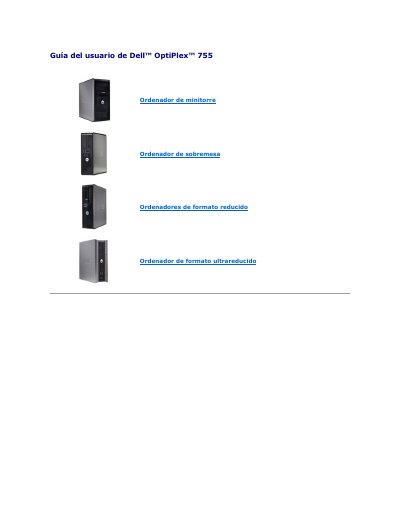
This user guide covers the Dell OptiPlex 755 desktop computer, including minitower, desktop, small form factor, and ultra-small form factor models. It explains advanced functions, LegacySelect technology control, administrative capacity, physical security, Trusted Platform Module, security management software, smart cards and fingerprint readers, password protection, and system configuration.
The document also covers USB booting, jumper configuration, forgotten password removal, CMOS memory clearing, Hyper-Threading and Multi-Core technology, power management for Windows XP and Windows Vista, and RAID configurations. Management features described include DASH, Intel Active Management Technology, ASF alerts, and Dell OpenManage applications. This manual is written in Spanish.
| Supported operating systems | Windows XP and Windows Vista |
|---|---|
| Battery low threshold | 2.2 V or lower |
| ASF alert versions | 1.03 and 2.0 |
The default MEBx password is admin.
Press
Do not install the SERVICE_MODE jumper because AMT will not work correctly; only manufacturing mode uses this jumper.
The AMT function must be enabled and a network cable must be plugged into the integrated network adapter.