
This guide describes how to quickly get started with your Dell computer.
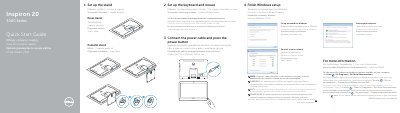
This document serves as a Quick Start Guide for the Dell Inspiron 20-3052 All-in-One PC. It provides multilingual instructions for initial setup tasks, including setting up the stand (easel or pedestal), connecting the power cable, configuring the keyboard and mouse, and connecting to a network. It also advises users to set up a password for Windows and access the Dell Help Documentation for further features.
| Model | Inspiron 20-3052 |
|---|---|
| USB 3.0 ports | 2 |
| USB 2.0 ports | 2 |
You can use either an Easel stand or a Pedestal stand as shown in the diagram.
Click Start → All Programs→ Dell Help Documentation.