
The Dell Inspiron 20-3052 desktop computer is powered by an Intel Pentium quad-core processor, with memory up to 1600MHz and one SODIMM slot.
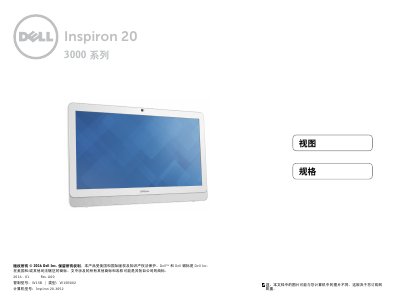
This document presents views and specifications for the Dell Inspiron 20-3052 desktop computer, including front, side, rear, and tilted views plus the stand.
It lists system information, memory, ports and interfaces, communications, video, audio, battery, power adapter, and computer environment specifications. This manual is written in Chinese.
| Computer model | Inspiron 20-3052 |
|---|---|
| Processor | Intel Pentium quad-core processor |
| Chipset | Integrated in processor |
| Memory slot | One SODIMM slot |
| Memory type | DDR3L |
| Memory speed | Up to 1600 MHz |
| Supported memory configurations | 4 GB and 8 GB |
| External USB ports | Two USB 2.0 and two USB 3.0 |
| Ethernet | 10/100/1000 Mbps |
| Wireless | Wi-Fi 802.11ac, Wi-Fi 802.11b/g/n, Bluetooth 4.0 |
| Audio controller | Realtek ALC3661 Waves MaxxAudio |
| Speaker output | 2 W average, 2.5 W peak |
| Microphone | Digital array microphone |
| Battery | 4-cell prismatic, 58 WHr |
| Battery voltage | 14.8 VDC |
| Battery charge time | About 4 hours (computer off) |
| Battery life | About 300 discharge/charge cycles |
| Power adapter output voltage | 19.50 VDC |
| Height | 317.64 mm (12.51 in) |
| Width | 480.52 mm (18.92 in) |
| Thickness | 33.12 mm (1.30 in) |
| Weight without stand (max) | 4.47 kg (9.85 lb) |
It uses an Intel Pentium quad-core processor.
It has two USB 2.0 ports and two USB 3.0 ports.
The battery voltage is 14.8 VDC.