
The Dell™ Inspiron™ 518/519 Service Manual provides information on how to disassemble and replace components in your computer.
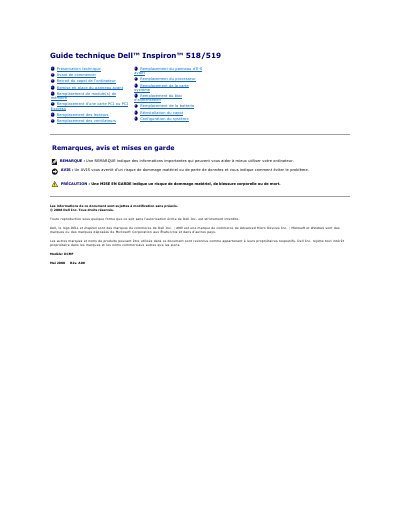
This French-language service manual provides removal and installation procedures for components of the Dell Inspiron 518/519 computer. It includes safety precautions, shutdown steps, recommended tools, and instructions for PCI and PCI Express cards, with references to system configuration after changes.
The document lists topics such as memory modules, drives, fans, front I/O panel, processor, system board, power supply, battery, and chassis cover. Technical specifications are referred to the Quick Reference Guide or the Dell support website rather than included in this manual. This manual is written in French.
A small Phillips screwdriver No. 2.
Shut down the computer, disconnect peripherals and power, then ground yourself by touching an unpainted metal surface.
It helps maintain FCC certification and protects the computer from dust and other particles.