
This document describes how to set up a Dell computer.
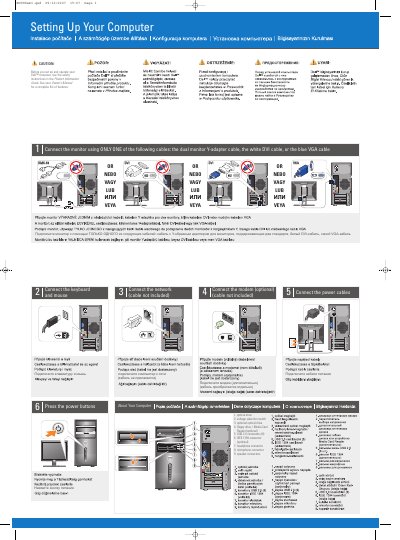
This setup guide provides step-by-step instructions for initializing a Dell Vostro computer, including connecting the monitor, keyboard, mouse, and power cables.
It also covers optional connections for modems and wireless network configurations, directing users to the Owner's Manual for more detailed feature information.
| USB Connectors | 8 x USB 2.0 |
|---|
Connect the monitor using only one of the following: a dual monitor Y-adapter cable, a white DVI cable, or a blue VGA cable.
You must use one of three specific cables: the dual monitor Y-adapter cable, the white DVI cable, or the blue VGA cable.
No, the network cable is not included and must be connected separately.
No, the modem is optional and the cable is not included.