
Dell™ OptiPlex™ 740 User's Guide introduces the specifications and features of the computer.
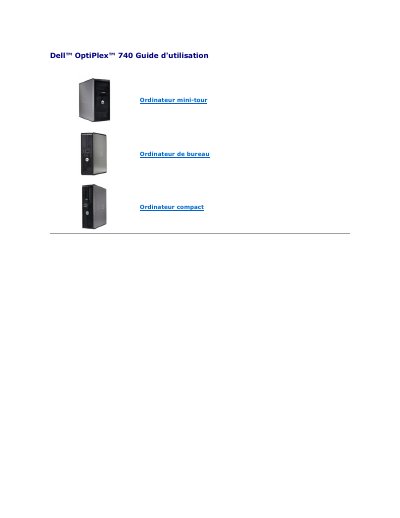
This manual provides instructions for the Dell OptiPlex 740 mini-tower computer. It details the configuration and management of advanced features such as LegacySelect technology, which allows administrators to electronically enable or disable connectors and media devices like serial, USB, and parallel ports to free up system resources.
The guide also explains the Standard Alert Format (ASF) for system monitoring and alerts, the Dell OpenManage IT Assistant for network management, and security features including Trusted Platform Module (TPM) password protection and chassis intrusion detection. This manual is written in French.
| ASF Version Support | ASF version 1.03 and 2.0 |
|---|---|
| System Password Length | Up to 32 characters |
LegacySelect offers fully inherited, reduced-inheritance, or no-inheritance solutions based on common platforms, hard disk images, and troubleshooting procedures.
ASF is a DMTF management standard designed to generate alerts for abnormal conditions or potential security problems when the operating system is idle or the computer is off.
If the chassis intrusion feature is installed and activated, it detects that the system unit has been opened and alerts the user.