
The Dell XPS 8900 Quick Start Guide provides instructions on how to connect the keyboard, mouse, display, and network cable.
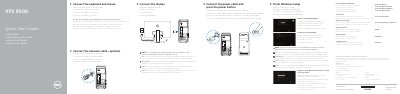
This document serves as a Quick Start Guide for the Dell XPS 8900 computer. It provides multilingual instructions (English, Dutch, French, Portuguese, and Spanish) for the initial setup process, including connecting peripherals like the keyboard, mouse, and display, as well as configuring the network and power.
| Voltage | 100 V CA–240 V CA |
|---|---|
| Frequency | 50 Hz–60 Hz |
| Input Current Consumption | 8,0 A |
| Origin | China and Mexico |
| Regulatory Model | D14M |
| Regulatory Type | D14M002 |
| USB 3.0 Ports | 4 |
| Optical Drive Bays | 2 |
| Audio Ports | 6 |
Connect the display to the discrete graphics card.
Visit Dell.com/support.
Enable security and updates in the Windows setup.