
The Dell™ Vostro™ 1510 is a notebook computer that features a 15.4-inch widescreen display, an Intel Core 2 Duo processor, 2GB of memory, a 160GB hard drive, a DVD burner, wireless networking, Bluetooth technology, a fingerprint reader, and the Windows Vista Home Premium operating system.
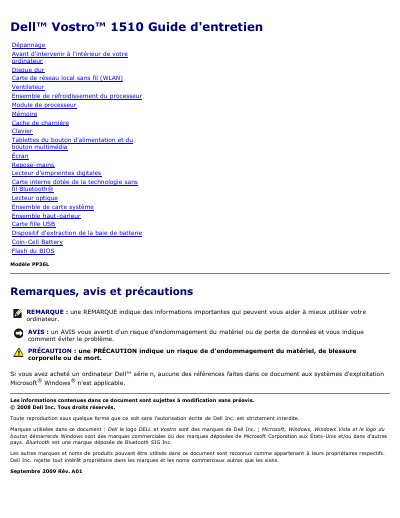
This document is a troubleshooting guide for the Dell Vostro 1510 notebook, designed to assist technicians in diagnosing internal hardware issues. It covers a wide range of components including the hard drive, wireless network card, fan, processor, memory, keyboard, screen, fingerprint reader, Bluetooth module, optical drive, speakers, USB card, battery, and BIOS flash memory. This manual is written in French.
Reconnect the LCD cable according to the removal instructions for the display assembly.
These lights indicate the current state of the Num Lock, Caps Lock, and Scroll Lock functions, and they blink then turn off if the computer starts without errors.
Running the Test Memory option can take up to thirty minutes to complete.