
This document describes how to set up a Dell computer.
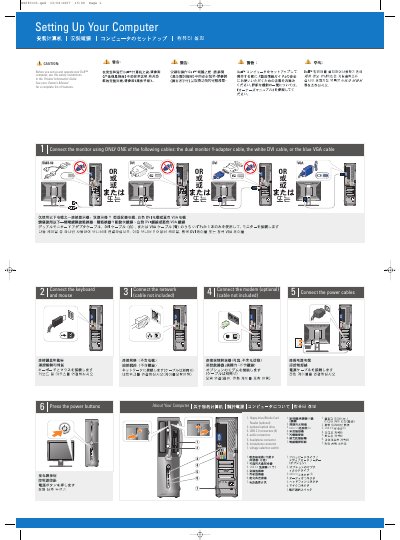
This document provides step-by-step instructions for setting up a Dell computer, including connecting the monitor via DVI, VGA, or Y-adapter cables, attaching peripheral devices like the keyboard and mouse, and establishing network and power connections. It also details the location and function of various computer ports and connectors.
You can connect the monitor using the dual monitor Y-adapter cable, the white DVI cable, or the blue VGA cable.
No, the network cable is not included and must be connected separately.
The computer has six USB 2.0 connectors.