
Dell Precision 380 Workstation User Guide

User's Guide for Dell™ n-series computers.
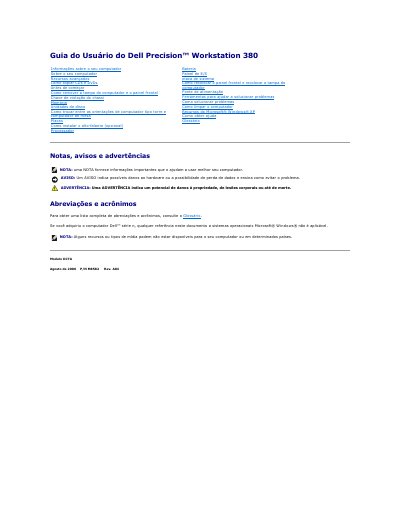

Dell Precision 380 Workstation User Guide - cover page
Brand
DELL
Category
Desktops
Document type
User Manual
Language
Portuguese
Pages
150
File format
PDF
File size
3.9 MB
Published
20 November, 2023
Updated
20 November, 2023
MD5 checksum
4B51971C52360BF9A72D8B7451236F67

About this manual

This document is the User Guide for the Dell Precision™ Workstation 380. It provides instructions for setting up the computer, including how to remove the cover and front panel, install components like memory and hard drives, and reconnect the panels. The guide applies to both tower and desktop orientations. This manual is written in Portuguese.

What's inside

  • About your computer
  • Front view (Tower orientation)
  • Rear view (Tower orientation)
  • Front view (Desktop orientation)
  • Rear view (Desktop orientation)
  • System board components
  • Memory
  • Hard drives
  • Power supply
  • Troubleshooting

Specifications

Supported Network Speeds10 Mbps, 100 Mbps or 1000 Mbps
Document DateAugust 2006
Part NumberM8582

Frequently asked questions

How do I turn off the computer safely?

Do not use the power button to turn off the computer to avoid data loss; instead, shut it down through the operating system.

What does the amber power light indicate?

An amber light that is solid or blinking indicates a power problem that requires checking the 'Power problems' section.

Download PDF (3.9 MB)

More DELL Manuals


View all DELL manuals →