
Dell Dimension Computer Setup Instructions

The document provides instructions on how to set up and use a Dell computer.
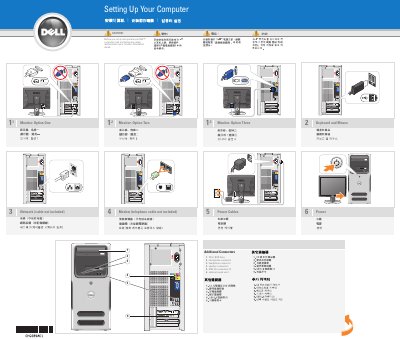

Dell Dimension Computer Setup Instructions - cover page
Brand
DELL
Category
Desktops
Document type
User Manual
Language
English
Pages
2
File format
PDF
File size
1.5 MB
Published
20 November, 2023
Updated
20 November, 2023
MD5 checksum
DD7C2E64CB3B539AE97C2AF33CFE82BE

About this manual

This document provides setup instructions for a Dell computer, covering the connection of monitors, keyboards, mice, power cables, and network or modem cables. It lists additional connectors such as CD/DVD drives, microphone, headphone, speaker, and USB 2.0 ports. Users are advised to read the Product Information Guide for safety instructions before setting up and operating the device.

What's inside

  • Setting Up Your Computer
  • Keyboard and Mouse
  • Power
  • Network
  • Modem
  • Power Cables
  • Additional Connectors
  • What's Next
  • Finding Answers
Download PDF (1.5 MB)

More DELL Manuals


View all DELL manuals →