
The Dell EMC PowerEdge C6400 and C6420 Getting Started Guide describes the features and characteristics of the product.
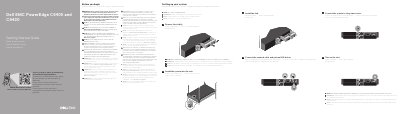
This document serves as a Getting Started Guide for the Dell EMC PowerEdge C6400 and C6420 server series. It provides essential instructions for the initial setup of the system, including installing the server into a rack, installing sleds, connecting power, and powering on the system. The guide is multilingual, containing instructions in English, French, Portuguese, and Spanish.
| Power Rating (Platinum AC) | 2400 W, 2000 W, 1600 W |
|---|---|
| System Battery | 3 V CR2032 lithium coin cell |
| Maximum Ambient Temperature | 35°C/95°F |
Follow the safety instructions included in the Safety, Environmental, and Regulatory Information document shipped with the system.
You must use Extended Power Performance (EPP) compliant power supply units, indicated by the EPP label.
The documentation set for the system is available at Dell.com/poweredgemanuals.