
This document provides instructions on how to set up and use a Dell computer.
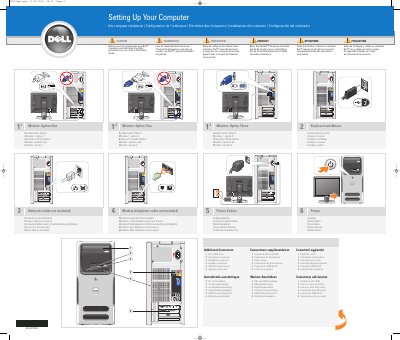
This document provides setup instructions for the Dell JG507 computer, detailing how to configure monitor options and connect various peripherals such as keyboards, mice, power cables, and network or modem cables. It lists additional connectors available on the system, including CD/DVD drives, microphone, headphone, speaker, and USB 2.0 ports.
| USB 2.0 connectors | 7 |
|---|---|
| Document copyright year | 2006 |
See your Owner's Manual for more information about using your computer.
You can view it online by clicking the Owner's Manual icon on the desktop.