
Dell Dimension 8400 Service Manual

The Dell Dimension 8400 is a desktop computer that features an Intel Pentium 4 processor, 512MB of memory, a 40GB hard drive, a DVD drive, and a 17-inch monitor.
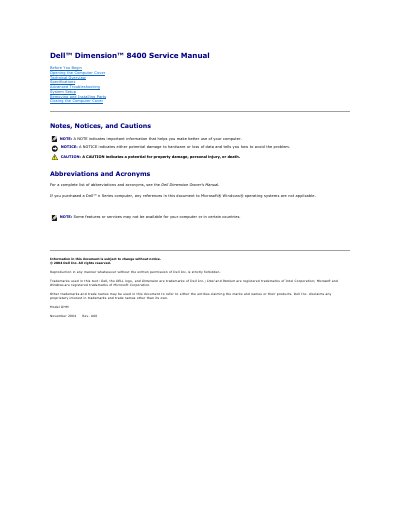

Dell Dimension 8400 Service Manual - cover page
Brand
DELL
Category
Desktops
Document type
Service Manual
Language
English
Pages
47
File format
PDF
File size
1.5 MB
Published
20 November, 2023
Updated
20 November, 2023
MD5 checksum
8D455437E06369E7CBF8B6CD31B52331

About this manual

This document serves as the official service manual for the Dell Dimension 8400 computer. It provides technical guidance for technicians regarding the maintenance, repair, and diagnosis of the system. The manual includes detailed instructions on troubleshooting power and diagnostic lights, interpreting beep codes and system messages, and performing hardware diagnostics.

What's inside

  • Before You Begin
  • Technical Overview
  • Specifications
  • Advanced Troubleshooting
  • System Setup
  • Removing and Installing Parts
  • Closing the Computer Cover
  • Notes, Notices, and Cautions
  • Abbreviations and Acronyms
  • Contacting Dell

Frequently asked questions

What does a steady amber power light indicate?

A steady amber power light indicates that a device might be malfunctioning or incorrectly installed.

What does beep code 1-3-1 mean?

Beep code 1-3-1 indicates that the computer encountered a memory problem.

What is the suggested resolution for a 'Cache Memory Bad' error?

The cache memory is not operating, and you should contact Dell for assistance.

Download PDF (1.5 MB)

More DELL Manuals


View all DELL manuals →