
The Dell Dimension 5150/E510 is a desktop computer that comes with the following features: - Intel Pentium 4 processor - 512MB of memory - 40GB hard drive - DVD drive - 17-inch monitor
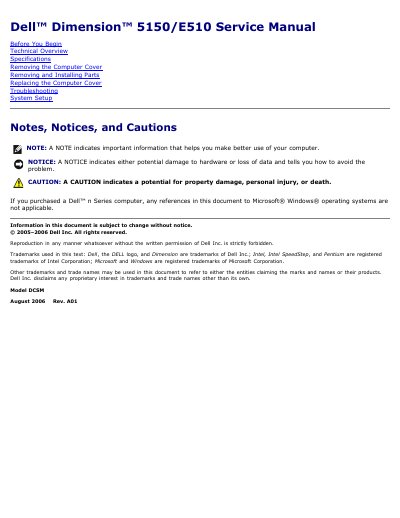
This document serves as a technical guide for the Dell Dimension 5150 and E510 desktop computers. It covers essential procedures such as removing and installing computer covers, replacing internal parts, and troubleshooting common issues. The manual also includes system setup notes and important safety cautions for technicians.
| Processor type | Intel Pentium 4 5XXX and 6XXX processors with Hyper-Threading technology |
|---|---|
| Level 2 cache | 1 MB for Pentium 5XXX processors, 2 MB for Pentium 6XXX processors |
| Memory Type | 400-MHz and 533-MHz DDR2 unbuffered SDRAM |
| Maximum memory | 4 GB |
| Chipset | Intel 945G Express |
| NIC | Integrated network interface capable of 10/100 communication |
| Video Type | Integrated Intel Graphics Media |
The recommended tools include a small flat-blade screwdriver, a long Phillips screwdriver, and a Flash BIOS update program floppy disk or CD.
You must turn off your computer and disconnect it from the electrical outlet before opening the cover to guard against electrical shock.
Only a certified service technician should perform repairs on the computer, as damage from unauthorized servicing is not covered by the warranty.