
The Dell Precision Mobile Workstation 7000 Series Quick Start Guide provides information on how to connect the power adapter, finish operating system setup, enable security and updates, connect to a network, sign in to a Microsoft account or create a local account, locate Dell apps in Windows 8.1, get product support and manuals, and contact Dell.
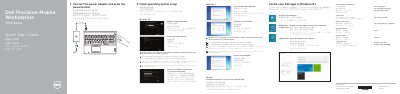
This document serves as a Quick Start Guide for the Dell Precision 7510 Mobile Workstation. It provides step-by-step instructions for initial setup, including connecting the power adapter, completing the operating system setup (Windows 8.1, Ubuntu), and enabling security features. The guide also directs users to Dell's support website for further assistance and manuals.
Connect the power adapter and press the power button.
Enter the password for the wireless network access when prompted.