
This document describes the features and functions of Dell computers and provides contact information.
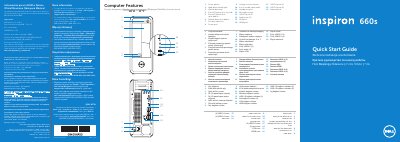
This document serves as a Quick Start Guide for the Dell Inspiron 660s computer. It provides an overview of the computer's features and ports, including the power button, optical drive, and various USB and audio connections. The guide also lists contact information for Dell support and regulatory details for specific regions.
| Regulatory Model | D06S |
|---|---|
| Type | D06S001 |
| Input Voltage | 100-127 V CA/200-240 V CA |
| Input Frequency | 50 Hz/60 Hz |
| Current | 6 A/3 A |
You can learn about features and advanced options by clicking Start→ All Programs→ Dell Help Documentation or visiting support.dell.com/manuals.
Customers in the United States can call 800-WWW-DELL (800-999-3355).
The document does not specify a maximum length, but notes that the password cannot contain the @ symbol.