
The Dell OptiPlex 780-USFF mount can position the system vertically or horizontally.
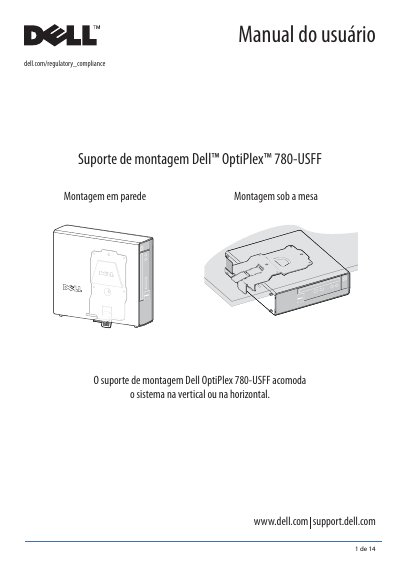
The Dell OptiPlex 780-USFF Mount user manual describes a mounting bracket for a Dell OptiPlex 780-USFF system. It covers installation under a desk or on a wood wall stud, system insertion and removal, mounting clearances, and specifications.
The manual states a system weight limit of 3.2 kg, operating, storage, and transport temperature ranges, and that mounting fasteners are not included. It also requires at least 152.4 mm of clearance on all vented sides for ventilation. This manual is written in Portuguese.
| System weight capacity | Dell OptiPlex 780-USFF: ≤ 3.2 kg |
|---|---|
| Operating temperature | 0°C to 35°C |
| Storage temperature | -40°C to +69°C |
| Transport temperature | -40°C to +69°C |
The mount supports a Dell OptiPlex 780-USFF system weighing no more than 3.2 kg.
The operating temperature range is 0°C to 35°C.
No. Mounting fasteners are not included; use appropriate fasteners for a solid mounting surface that can support 50 lbs (23 kg).
The system must have at least 152.4 mm (6 in) of clearance on all vented sides.