
The Dell™ OptiPlex™ 780 Desktop Service Manual provides information on operating the computer, removing and replacing components, specifications, diagnostics, system setup, and notices.
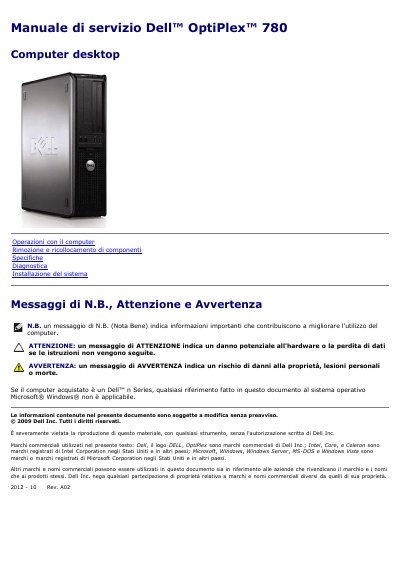
This service manual for the Dell OptiPlex 780 desktop computer describes safe handling, shutdown, and post-service steps, plus removal and reinstallation of components such as the cover, drives, memory, power supply, fan, system board, heat sink and processor, battery, and IO panel.
It also lists technical specifications for processors, memory, video, network, chipset, expansion buses, drives, and external and system-board connectors, and includes Dell Diagnostics and system installation information. This manual is written in Italian.
| Processor type | Intel Core2 Duo |
|---|---|
| Processor type | Intel Core 2 Quad |
| Processor type | Intel Pentium Dual Core |
| Processor type | Intel Celeron |
| L2 cache | At least 512 KB, 8-way set associative |
| Memory type | DDR3 SDRAM (non-ECC) |
| Memory speed | 1067 MHz |
| Memory connectors | Four |
| Memory capacity options | 1 GB, 2 GB, or 4 GB non-ECC |
| Minimum memory | 1 GB |
| Maximum memory | 16 GB |
| Video | Intel X4500 integrated graphics up to 256 MB shared video memory |
| PCI Express x16 slot | Supports PCI Express card or additional DVI card for dual monitor |
| Network | Integrated Intel 10/100/1000 Mb/s NIC |
| Chipset | Intel Q45 Express w/ICH10DO |
| BIOS chip | 64 Mb |
| Expansion bus types | PCI 2.3, PCI Express 2.0, SATA 1.0A/2.0, eSATA, USB 2.0 |
| PCI bus speed | 133 MB/s |
| PCI Express x1 speed | 250 MB/s bidirectional |
| PCI Express x16 speed | 8 GB/s bidirectional |
| SATA speed | 1.5 Gbps and 3.0 Gbps |
| eSATA speed | 3.0 Gbps |
| USB speed | 480 Mbps |
| External VGA connector | 15-hole |
| External DisplayPort connector | 20-pin |
| External eSATA connector | 7-pin |
| External network connector | RJ45 |
| External parallel connector | 25-pin bidirectional |
| External serial connector | 9-pin, 16550 compatible |
The manual lists a small flat screwdriver, a Phillips screwdriver, a small plastic scribe, and a BIOS flash update CD.
Hold the power button for about 6 seconds.
The manual states a maximum memory of 16 GB.
The integrated graphics can use up to 256 MB of shared video memory.