
The Dell™ Inspiron™ N5010/M5010 Service Manual provides information on how to remove and replace components in your computer.
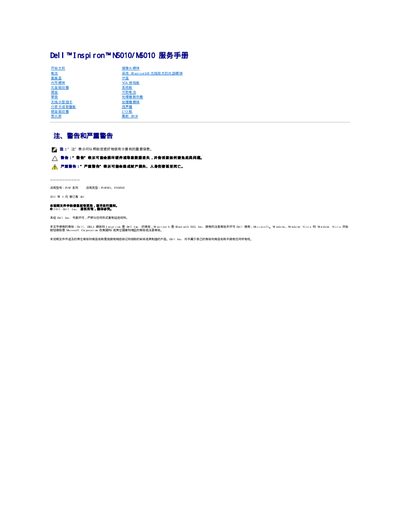
Dell Inspiron N5010/M5010 Service Manual is a technician-oriented guide for removing and installing components in the notebook. It covers safety precautions, recommended tools, battery removal, base cover, memory, optical drive, keyboard, palm rest, wireless card, media card reader, hard drive, display, camera, Bluetooth module, mid cover, VGA cable board, system board, coin-cell battery, processor heat sink and module, speakers, I/O board, and BIOS refresh steps.
The manual states that only certified service technicians should service the computer and that unauthorized service damage is not covered by warranty. It also lists regulatory model P10F series and regulatory types P10F001 and P10F002. This manual is written in Chinese.
| Regulatory model | P10F series |
|---|---|
| Regulatory type | P10F001, P10F002 |
Only certified service technicians are authorized to service the computer, and damage from unauthorized service is not covered by warranty.
The main battery should be removed before disassembling internal components.
Download the BIOS update file from support.dell.com/support/downloads and run the downloaded file following the on-screen instructions.
The procedures may require a small flathead screwdriver, Phillips screwdriver, plastic scribe, and BIOS executable update program.