
Dell Adamo XPS Service Manual

The Dell XPS laptop user manual.
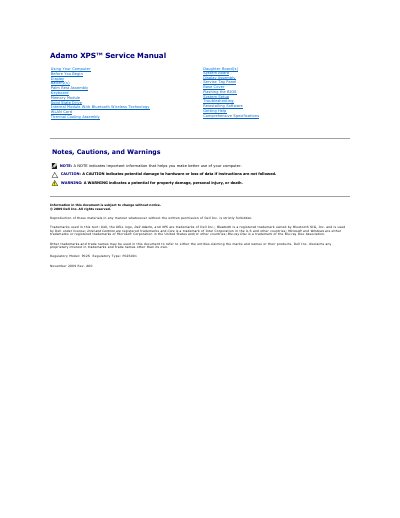

Dell Adamo XPS Service Manual - cover page
Brand
DELL
Category
Laptops
Document type
Service Manual
Language
English
Pages
58
File format
PDF
File size
1.1 MB
Published
20 November, 2023
Updated
20 November, 2023
MD5 checksum
0AFF350B43070B1B4A94368E5333BB08

About this manual

This service manual provides instructions for removing and installing components in the Dell Adamo XPS computer. It includes safety guidance, recommended tools, and procedures for parts such as the battery, base cover, display, memory, and system board.

The document also covers flashing the BIOS, system setup, troubleshooting, reinstalling software, getting help, and comprehensive specifications.

What's inside

  • Before You Begin
  • Battery(s)
  • Base Cover
  • Display
  • Memory Module
  • System Board
  • Flashing the BIOS
  • Troubleshooting
  • Reinstalling Software
  • Comprehensive Specifications

Specifications

Regulatory modelP02S
Regulatory typeP02S001

Frequently asked questions

Who should perform repairs on the computer?

Only a certified service technician should perform repairs on the computer.

How can electrostatic discharge be avoided while working inside the computer?

Ground yourself by using a wrist grounding strap or by periodically touching an unpainted metal surface.

What should be checked before turning on the computer after service?

Replace all screws and ensure that no stray screws remain inside the computer.

Download PDF (1.1 MB)

More DELL Manuals


View all DELL manuals →