
The Dell™ OptiPlex™ SX280 User's Guide provides information on how to use and maintain your Dell™ OptiPlex™ SX280 computer.
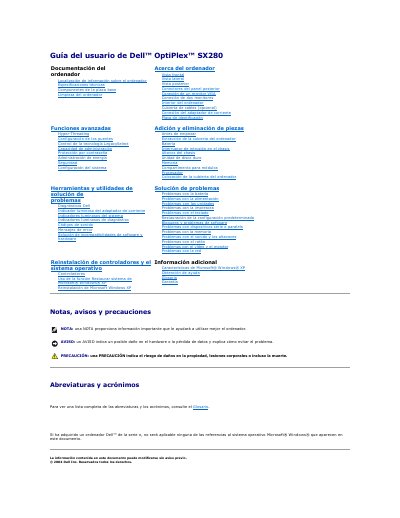
This document serves as the user guide for the Dell OptiPlex SX280 desktop computer. It provides essential information for setting up the system, including details on front, side, and rear panel connectors, as well as instructions for connecting monitors and power adapters. The guide also outlines the location of internal components like the hard drive, memory, and processor. This manual is written in Spanish.
You must ensure there is at least 6 cm of space in front and behind the computer.
A solid green light indicates that the computer is in a normal operating state.
Dell recommends using Category 5 connectors and cables for network connections.