
The Dell™ Studio XPS™ 1640 Service Manual provides detailed information on the Dell™ Studio XPS™ 1640 notebook, including specifications, disassembly and repair procedures, and troubleshooting information.
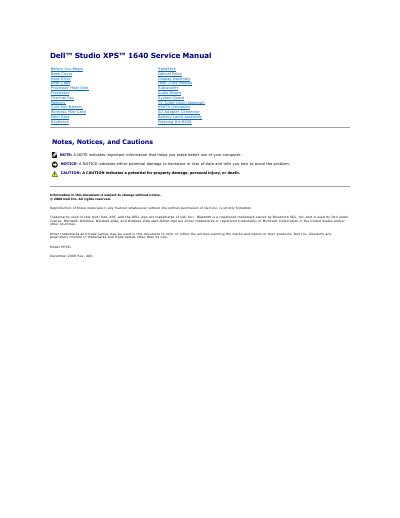
This service manual provides removal and replacement procedures for components of the Dell Studio XPS 1640, including the base cover, memory, display assembly, system board, and other hardware parts.
It also includes safety notices, cautions, and handling instructions such as grounding, battery removal, and screw replacement before powering on the computer.
Only a certified service technician should perform repairs; damage from unauthorized servicing is not covered by the warranty.
Ground yourself by using a wrist grounding strap or by periodically touching an unpainted metal surface on the computer.
Replace all screws and ensure that no stray screws remain inside the computer.
Read the safety information that shipped with the computer.