
The Dell™ Precision™ M60 Series Mobile Workstation User's Guide provides information about the Dell™ Precision™ M60 Series Mobile Workstation.
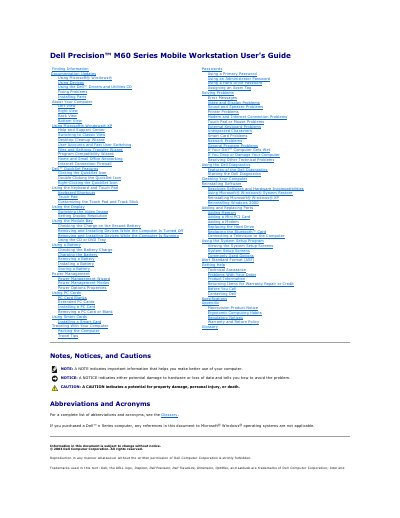
This document serves as the User's Guide for the Dell Precision M60 Series Mobile Workstation. It provides comprehensive instructions on using the computer, including operating system usage, device management, and the use of Dell drivers and utilities. The guide also details procedures for installing and replacing parts, managing power, and using the battery.
Press it to turn on the computer or to enter or exit a power management mode. If the computer stops responding, press and hold it until the computer turns off completely.
The battery is charging.
Devices such as an optical drive or Dell TravelLite module.
It lets you attach a commercially available antitheft device to the computer.