
Dell™ OptiPlex™ All-in-One Stand User Guide.
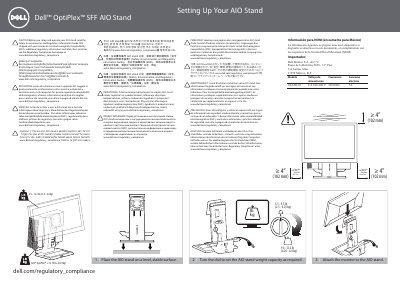
This guide covers setup of the Dell OptiPlex SFF AIO Stand, including placing it on a level stable surface, setting the weight capacity, attaching the monitor, routing cables, sliding in the computer chassis, locking it, and installing security accessories.
It also directs users to the Safety, Environmental, and Regulatory Information Guide shipped with the computer and to Dell's regulatory compliance page for EMC and safety information.
| Lower weight capacity setting | 5.5 - 9.3 lb (2.5 - 4.25 kg) |
|---|---|
| Higher weight capacity setting | 9.4 - 13.2 lb (4.26 - 6.0 kg) |
| Maximum supported computer weight | ≤ 13.75 lb (6.24 kg) |
The stand can be set for 5.5-9.3 lb (2.5-4.25 kg).
The stand can be set for 9.4-13.2 lb (4.26-6.0 kg).
The supported computer weight is up to 13.75 lb (6.24 kg).
Slide the switch to lock the computer to the AIO stand.