
The Dell™ OptiPlex™ SX280 User's Guide provides detailed information about the computer, including specifications, components, connectors, setup, and troubleshooting.
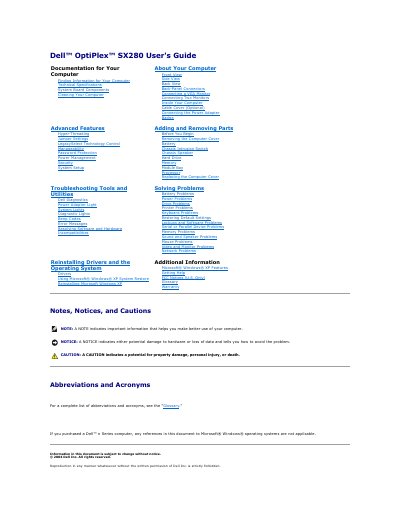
This document serves as the user's guide for the Dell OptiPlex SX280 computer. It covers essential topics including an overview of the system components, detailed instructions on connecting peripherals like monitors and power adapters, and guidance on internal hardware installation and removal. The guide also explains how to use diagnostic tools and resolve common software and hardware issues.
| Power Light States | Steady green — normal operating state |
|---|---|
| Power Light States | Blinking green — power-saving state |
| USB Connectors | 2 connectors on front |
| USB Connectors | 5 connectors on back |
Do not use the power button to turn off the computer; instead, perform a Microsoft Windows shutdown.
The computer requires at least 6 cm (2 in) of airflow space around the front and back.
Rotate the computer cover release knob in a clockwise direction to remove the cover.