
The Dell™ 5130cdn Color Laser Printer User's Guide describes how to set up, use, and maintain the Dell™ 5130cdn Color Laser Printer.
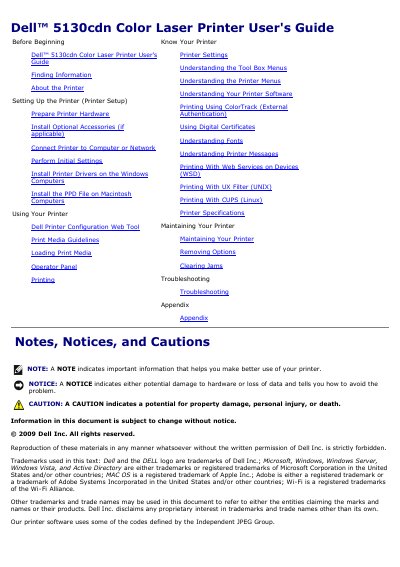
This user guide covers the Dell 5130cdn Color Laser Printer, including unpacking and hardware preparation, optional accessories, network or computer connection, initial settings, driver installation, and daily printing. It also describes the operator panel, printer settings, menus, software features, and print media handling.
Additional sections address printer specifications, maintenance, removing options, clearing jams, and troubleshooting. The guide includes notes, notices, and cautions for safe setup and operation.
| Best color print paper | 75 g/m 2 (20 lb) xerographic, grain long paper |
|---|---|
| Best black-and-white print paper | 90 g/m2 (24 lb) xerographic, grain long paper |
| Tray paper weight range | 60 to 216 g/m 2 (16 to 80 lb bond) grain long |
| MPF paper weight range | 60 to 216 g/m 2 (16 to 80 lb bond) grain long |
| Recommended paper smoothness | 150 to 250 Sheffield points |
They are located on the right side of the toner cartridge inside the front cover and on the rear cover of the printer.
The tray automatically feeds paper weights from 60 to 216 g/m 2 (16 to 80 lb bond) grain long.
For the best print quality in color, use 75 g/m 2 (20 lb) xerographic, grain long paper.
The printer allows for a maximum of 6 trays: Tray 1, two 550-sheet feeders, 1100-sheet feeder, and MPF.