
The Dell Docking Station – USB 3.0 (D3100) User Guide provides information about the Dell Docking Station – USB 3.0 (D3100), including setup, connection, and usage instructions.
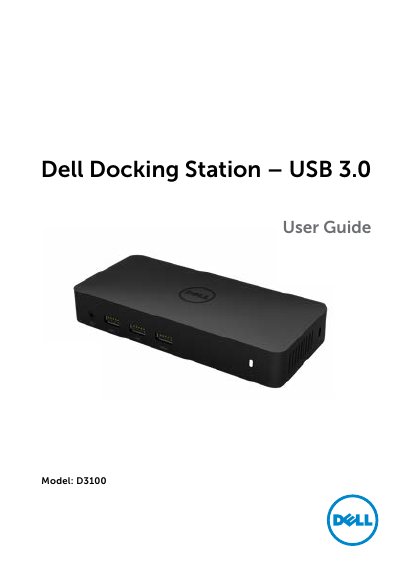
The Dell Docking Station – USB 3.0 (D3100) is a USB 3.0 dock with one upstream USB 3.0 input and downstream USB, video, Ethernet, and audio ports. It includes a USB 3.0 I/O cable, power adapter and power cord, and an HDMI to DVI adapter.
The guide covers recommended system requirements, Windows 7/8/8.1/10 setup, DisplayLink Manager options, Fit to TV configuration, troubleshooting, and regulatory information.
| Upstream input | 1 x USB 3.0 (Standard B Type) |
|---|---|
| USB 3.0 downstream ports | 3 |
| USB 2.0 downstream ports | 2 |
| DisplayPort | 1 |
| HDMI ports | 2 |
| Ethernet | Gigabit Ethernet |
| Combo audio | Headphone/Mic |
| Audio line out | 1 |
| High-powered charging ports | 2 (BC 1.2) |
| DisplayPort resolution | 3840 x 2160 / 30Hz |
| Supported operating systems | Windows 7, 8, 8.1, 10 (32/64-bit) |
| Maximum operating temperature | 40 °C |
Check the video connection cables, then unplug the dock from power, wait 10 seconds, and reconnect.
Unplug the dock from power, wait 10 seconds, reconnect, and update to the latest USB 3.0 host controller driver.
HDCP content support is currently not available.
Click the DisplayLink icon and select Extend.