
Dell Display Manager User's Guide

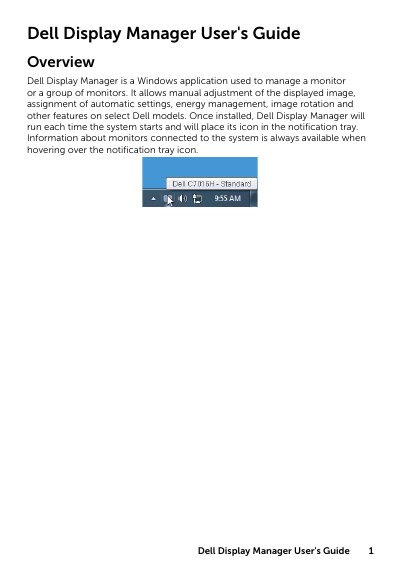
Dell Display Manager is a Windows application used to manage a monitor or a group of monitors.

Dell Display Manager User's Guide - cover page
Brand
DELL
Category
Other Computer Accessories
Document type
User Manual
Language
English
Pages
6
File format
PDF
File size
465 KB
Published
20 November, 2023
Updated
20 November, 2023
MD5 checksum
8B41817922628C31EA179E4AC2D31748

About this manual

Dell Display Manager is a Windows application designed to manage a single monitor or a group of monitors on select Dell models. Once installed, it runs automatically at system startup and displays an icon in the notification tray to provide access to monitor information and settings.

What's inside

  • Overview
  • Using the Quick Settings Dialog
  • Setting Basic Display Functions
  • Assigning Preset Modes to Applications
  • Arrange Your Monitor Window Layout
  • Applying Energy Conservation Features

Frequently asked questions

What is Dell Display Manager?

It is a Windows application used to manage a monitor or a group of monitors.

What can be adjusted in the Quick Settings dialog?

It allows adjusting brightness, contrast, resolution, window layout, and preset modes.

How does Auto Mode assign preset modes?

It associates a specific preset mode with a specific application and applies it automatically when that application is activated.

What energy conservation options are available on supported Dell models?

You can set the monitor’s brightness to the minimum level or put the monitor to sleep when the screensaver is activated.

Download PDF (465 KB)

More DELL Manuals


View all DELL manuals →