
Dell Inspiron 3421/5421 Quick Start Guide

This document describes the features and functions of Dell computers and provides contact information.
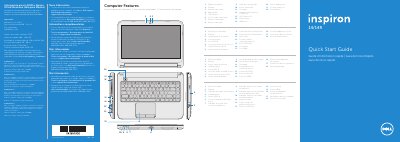

Dell Inspiron 3421/5421 Quick Start Guide - cover page
Brand
DELL
Category
Laptops
Document type
Quick Start Guide
Language
English
Pages
2
File format
PDF
File size
780 KB
Published
20 November, 2023
Updated
20 November, 2023
MD5 checksum
F1AB82B0193560979B2B5CB3710039D3

About this manual

This quick start guide covers Dell Inspiron 3421/5421 computers and shows external features, ports, function keys, and basic setup steps.

It includes multilingual instructions and regulatory information, including model P37G and power input and output details.

What's inside

  • More Information
  • Computer Features
  • Function Keys
  • Connect the network cable (optional)
  • Connect the power adapter
  • Press the power button
  • Record your Windows password here
  • Complete Windows setup
  • Locate your service tag/regulatory labels
  • Check wireless status

Specifications

Regulatory modelP37G
Computer modelInspiron 3421/5421
TypeP37G001
Input voltage100-240 V AC
Input current (maximum)1.50 A/1.60 A/1.70 A
Input frequency50-60 Hz
Output voltage19.50 V DC

Frequently asked questions

What Dell Inspiron models does this quick start guide cover?

It covers Inspiron 3421/5421.

What is the regulatory model number?

The regulatory model is P37G.

What is the output voltage listed for the power adapter?

The nominal output voltage is 19.50 V DC.

What input voltage range is listed?

The listed input voltage range is 100 to 240 V AC.

Download PDF (780 KB)

More DELL Manuals


View all DELL manuals →