
Quick start guide for Dell laptop.
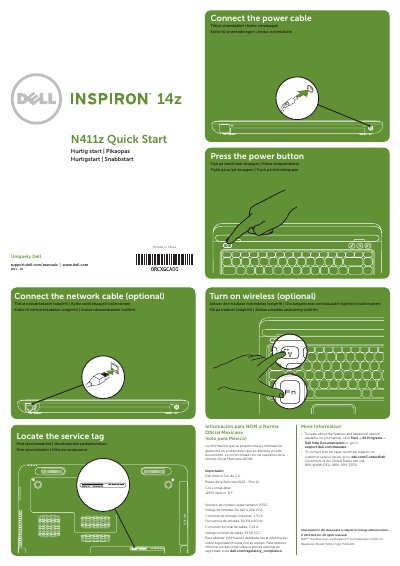
This quick start guide shows the basic setup steps for the Dell Inspiron 14z (N411z) laptop, including connecting power and network cables, turning on wireless, and locating the service tag. It also provides a numbered features list and views of the laptop.
The guide includes more information links for Dell Help Documentation and Dell contact details, plus regulatory and power information for Mexico. It is printed in multiple languages, including English, Danish, Finnish, Norwegian, and Swedish.
| Regulatory model | P23G |
|---|---|
| Regulatory type | P23G001 |
| Input voltage | 100-240 VAC |
| Input current (maximum) | 1.70 A |
| Input frequency | 50-60 Hz |
| Output current (rated) | 3.34 A |
| Output voltage (rated) | 19.50 VDC |
Click Start→All Programs→Dell Help Documentation or go to support.dell.com/manuals.
Go to dell.com/ContactDell; customers in the United States can call 800-WWW-DELL (800-999-3355).
The regulatory model number is P23G.