
Dell N411z Laptop Quick Start Guide.
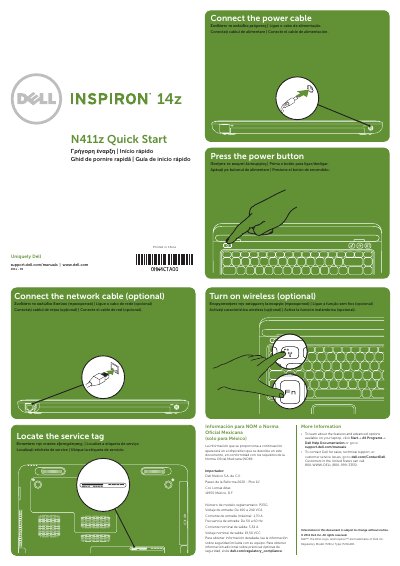
This quick start guide provides basic setup steps for the Dell N411z laptop, including connecting the network and power cables, locating the service tag, turning on wireless, and pressing the power button. It also includes a labeled features view and additional information resources.
The guide contains multilingual instructions and regulatory information for Mexico, including the regulatory model P23G and electrical input and output ratings.
| Regulatory model | P23G |
|---|---|
| Regulatory type | P23G001 |
| Input voltage | 100 to 240 VAC |
| Input current (maximum) | 1.70 A |
| Input frequency | 50 to 60 Hz |
| Output current (rated) | 3.34 A |
| Output voltage (rated) | 19.50 VDC |
| USB 3.0 connectors | 2 |
Click Start, then All Programs, then Dell Help Documentation, or go to support.dell.com/manuals.
Go to dell.com/ContactDell; customers in the United States can call 800-WWW-DELL (800-999-3355).
The regulatory model number is P23G.