
Dell™ OptiPlex™ 760 Service Manual describes the features and characteristics of the Dell™ OptiPlex™ 760 Service Manual.
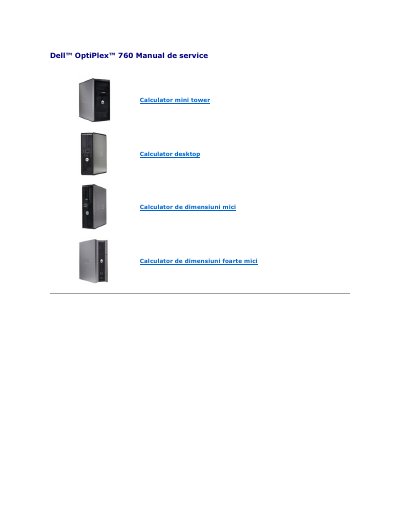
This document is the service manual for the Dell OptiPlex 760 mini tower desktop computer. It details the advanced functions available for system administration, including the LegacySelect technology for controlling legacy devices and the DASH architecture for standardizing hardware management interfaces. The manual explains how administrators can manage resources remotely regardless of the operating system state.
It allows administrators to electronically enable or disable media devices, including serial and USB connectors, a parallel connector, a floppy drive, PCI slots, and a PS/2 mouse.
It is the ability to administer the computer without an operating system, with an unusable operating system, or while the computer is off.
The USB flash must be formatted with the FAT16 file system without system files and contain only setup.bin.
admin