
The document provides detailed information about Dell computers, including their features, advanced options, sales, technical support, and customer service information.
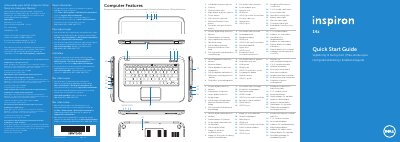
This document serves as a regulatory compliance label and a Quick Start Guide for the Dell Inspiron 5423 laptop. It provides essential information regarding the regulatory model number (P35G), input voltage requirements, and contact details for Dell support in the United States and other regions. The guide is printed in multiple languages to assist users globally.
| Regulatory Model Number | P35G |
|---|---|
| Type | P35G001 |
| Input Voltage | 100 to 240 VAC |
| Input Current (Max) | 1.7 A / 1.5 A |
| Input Frequency | 50 Hz to 60 Hz |
Click Start→ All Programs → Dell Help Documentation or go to support.dell.com/manuals.
Go to dell.com/ContactDell. Customers in the United States can call 800-WWW-DELL (800-999-3355).
Do not use the @ symbol in your password.