
This document describes the specifications and features of Dell computers.
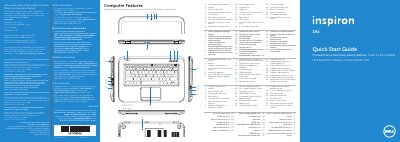
This document is a multilingual quick start guide for the Dell Inspiron 5423 notebook. It identifies the computer's external features and outlines basic setup steps, including connecting the power adapter, pressing the power button, completing Windows setup, checking wireless status, installing an optional SIM card, locating the service tag, and using function keys.
It also includes Mexico NOM regulatory information and support references. The listed regulatory details include regulatory model P35G, type P35G001, input voltage from 100 to 240 VAC, maximum input current of 1.7 A/1.5 A, and input frequency from 50 Hz to 60 Hz.
| Regulatory model | P35G |
|---|---|
| Type | P35G001 |
| Computer model | Inspiron 5423 |
| Input voltage | 100 to 240 VAC |
| Input current (maximum) | 1.7 A/1.5 A |
| Input frequency | 50 to 60 Hz |
Click Start, then All Programs, then Dell Help Documentation, or go to support.dell.com/manuals.
Go to dell.com/ContactDell; customers in the United States can call 800-WWW-DELL (800-999-3355).
Locate your service tag/regulatory label and record the service tag.
The regulatory model number is P35G.