
Dell Inspiron 5423 Quick Start Guide

A summary of the Dell computer manual.
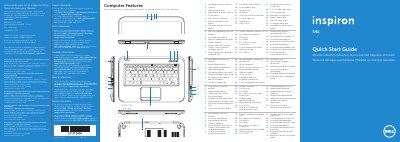

Dell Inspiron 5423 Quick Start Guide - cover page
Brand
DELL
Category
Laptops
Document type
Quick Start Guide
Language
Spanish
Pages
2
File format
PDF
File size
883 KB
Published
20 November, 2023
Updated
20 November, 2023
MD5 checksum
626595771318A10AD64143AD5C2A6B64

About this manual

This document serves as a regulatory compliance sheet and a Quick Start Guide for the Dell Inspiron 5423 laptop. It lists regulatory model numbers and electrical specifications required for the Mexican market (NOM). The guide includes multilingual instructions for connecting the power adapter, turning on the device, and configuring basic settings like wireless and touchpad. This manual is written in Spanish.

What's inside

  • Computer Features
  • Connect the power adapter
  • Press the power button
  • Switch to external display
  • Turn off/on wireless
  • Enable/disable touchpad
  • Decrease brightness
  • Increase brightness
  • Play/Pause
  • Record your Windows password

Specifications

Regulatory Model NumberP35G
Input Voltage100 to 240 VAC
Input Current (Max)1.7 A / 1.5 A
Input Frequency50 Hz to 60 Hz

Frequently asked questions

What is the regulatory model number for this computer?

The regulatory model number is P35G.

What input voltage range does this computer support?

It supports an input voltage of 100 to 240 VAC.

Where can I find the service tag?

You should locate your service tag/regulatory label on the device.

Download PDF (883 KB)

More DELL Manuals


View all DELL manuals →