
The user manual for Dell computers introduces the functions and features of Dell computers.
This document serves as a regulatory compliance notice for the Dell Inspiron 5423 laptop, specifically for the Mexican market (NOM). It lists the importer details, regulatory model number (P35G), and electrical specifications such as input voltage (100-240V), current, and frequency. It also directs users to Dell's support website for detailed features and safety information.
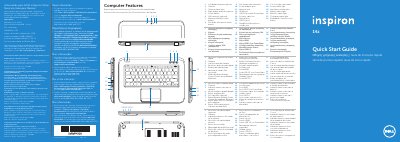
The guide provides a comprehensive list of the laptop's physical features and ports, including the digital-array microphones, camera, power button, SIM-card slot, various USB ports, HDMI port, optical drive, and media-card reader. It includes a numbered list of these components with labels in multiple languages.
| Regulatory Model Number | P35G |
|---|---|
| Input Voltage | 100 to 240 VAC |
| Input Current (Max) | 1.7 A / 1.5 A |
| Input Frequency | 50 Hz to 60 Hz |
Click Start→ All Programs → Dell Help Documentation or go to support.dell.com/manuals.
Visit dell.com/ContactDell or call 800-WWW-DELL (800-999-3355) for customers in the United States.