
Dell XPS 730/730X Service Manual

The Dell XPS 730/730X Service Manual provides information on how to remove and install components in your computer.
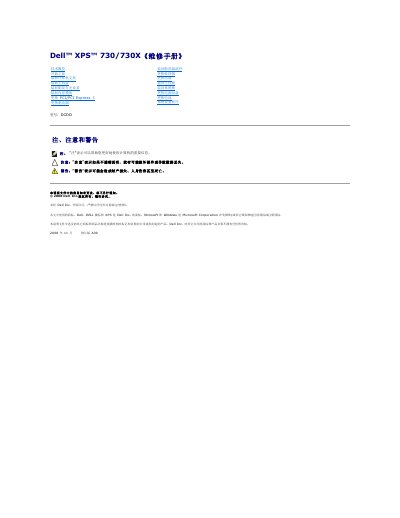

Dell XPS 730/730X Service Manual - cover page
Brand
DELL
Category
Desktops
Document type
Service Manual
Language
Chinese
Pages
53
File format
PDF
File size
2.9 MB
Published
20 November, 2023
Updated
20 November, 2023
Models
XPS 730, 730X
MD5 checksum
15139B92A5C584F17071FECB4B487577

About this manual

This document is a service manual for the Dell XPS 730 and XPS 730X desktop computers. It provides detailed instructions for replacing internal components such as the processor, fans, power supply, battery, and various expansion cards including PCI and PCI Express cards. The manual also covers the installation of multi-graphics configurations using NVIDIA SLI technology. This manual is written in Chinese.

What's inside

  • Technical Overview
  • Before You Begin
  • Replacing PCI/PCI Express Cards
  • Replacing the Processor
  • Replacing the Fan
  • Replacing the Power Supply
  • Replacing the Battery
  • System Setup Utility

Frequently asked questions

What tools are required to perform the steps in this manual?

You may need a small Phillips screwdriver and a small flat-blade screwdriver.

How long must you hold the power button to turn off the computer if the OS does not shut it down?

You must hold the power button for approximately 4 seconds.

What must be installed in empty card slots to maintain FCC certification?

You must install filler plates in the openings of idle card slots.

Download PDF (2.9 MB)

More DELL Manuals


View all DELL manuals →