
The Dell P28F display complies with NOM standards.
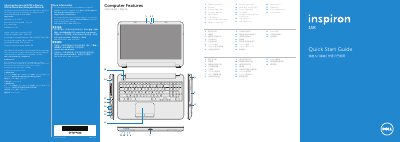
This multilingual quick start guide is for the Dell Inspiron 5521 laptop, regulatory model P28F. It shows the computer features, power button, Windows setup, function keys, wireless status, and connections for power and network.
It also includes regulatory and power adapter information, such as 100-240 V AC input, 50-60 Hz frequency, and 19.50 V DC output, plus where to locate the service tag and regulatory label.
| Regulatory model | P28F |
|---|---|
| Computer model | Inspiron 5521 |
| Input voltage | 100-240 V AC |
| Input current (maximum) | 1.50/1.60/1.70/2.50 A |
| Input frequency | 50-60 Hz |
| Output current | 3.34/4.62 A |
| Output voltage | 19.50 V DC |
It covers the Dell Inspiron 5521.
Do not use the @ symbol in your password.
Yes, it has two USB 3.0 ports.
19.50 V DC.