
Dell Inspiron 15/15R/M531R Laptop Quick Start Guide
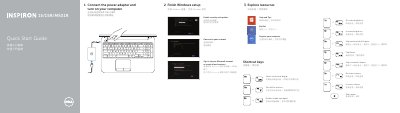
This quick start guide is for the Dell Inspiron 15/15R/M531R laptop. It covers finishing Windows setup, exploring resources, shortcut keys, and connecting the power adapter before turning on the computer.
The second page identifies 21 hardware features and ports, gives product support and manual links, contact information, and regulatory details. Text appears in English and Chinese.
| Regulatory model/type | P28F / P28F001/P28F002 |
|---|---|
| Computer model | Inspiron 3521/5521/15-3537/15R-5537/M531R-5535 series |
| USB 3.0 ports | 2 |
The guide lists dell.com/support, dell.com/support/manuals, and dell.com/windows8.
It lists keys for external display, wireless, touchpad, brightness, media playback, volume, and mute.
The regulatory model is P28F and the regulatory type is P28F001/P28F002.
The guide numbers 21 features, including camera, ports, touchpad, media-card reader, optical drive, and labels.