
The Dell P28F monitor complies with the NOM standard.
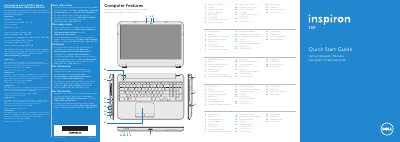
This document serves as a Quick Start Guide for the Dell P28F computer, specifically the Inspiron 5521 model. It provides regulatory information for Mexico and lists key computer features such as a digital microphone, camera, optical drive, and various USB ports. The guide identifies the device as a computer rather than a standalone monitor, despite the model number appearing in the user's title.
| Input Voltage | 100 – 240 V AC |
|---|---|
| Input Frequency | 50 Hz – 60 Hz |
| Output Voltage | 19.50 V DC |
| Computer Model | Inspiron 5521 |
The regulatory model number is P28F.
Click Start → All Programs → Dell Help Documentation or go to support.dell.com/manuals.