
Inspiron 15-5558 and Inspiron 15-5551 Notebook Quick Start Guide
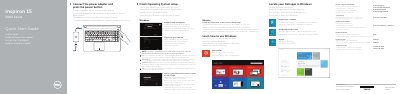
This document serves as a Quick Start Guide for the Dell Inspiron 15-5558 and Inspiron 15-5551 notebooks. It provides multilingual instructions for initial setup steps, such as connecting the power adapter, finishing the operating system installation, and enabling security updates. The guide also covers creating a Microsoft account or a local account and connecting to a network.
It covers the Inspiron 15-5558 and Inspiron 15-5551.
Only the Inspiron 15-5558 has a left microphone.
There are 2 USB 2.0 ports.
Connect the power adapter and press the power button.