
The Dell™ XPS™ L502X Service Manual provides information on how to use and maintain your Dell™ XPS™ L502X laptop.
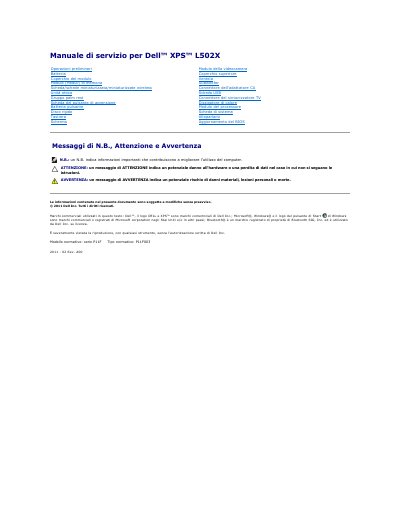
This Italian service manual covers the Dell XPS L502X laptop and provides procedures for removing and installing components such as the battery, memory modules, keyboard, display assembly, and system board.
It includes recommended tools, shutdown steps, electrostatic discharge precautions, and instructions for updating the BIOS through support.dell.com. This manual is written in Italian.
Only a qualified service technician should perform computer repairs; damage from unauthorized Dell maintenance is not covered by the warranty.
Visit support.dell.com/support/downloads, locate the BIOS update file for the computer, download and save it, then double-click the file and follow the on-screen instructions.
A small flat-blade screwdriver, a Phillips screwdriver, a plastic scribe, and the BIOS update executable program from support.dell.com.