
Dell™ OptiPlex™ 960 Micro Tower, Desktop and Small Form Factor Service Manual
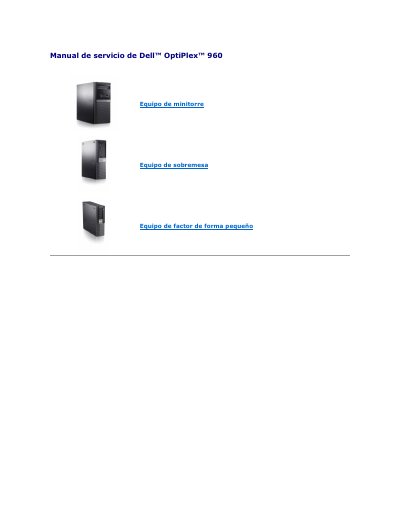
This service manual covers the Dell OptiPlex 960 in micro tower, desktop, and small form factor versions. It provides service procedures such as battery replacement and installation of PCI and PCIe cards.
The manual also identifies interior components and lists contact information for Dell. It includes safety cautions for electrostatic discharge and battery handling. This manual is written in Spanish.
| Expansion slots | One low-profile PCIe x16 slot, two low-profile PCI connectors, one low-profile PCIe x1 slot, and one internal wireless card connector |
|---|---|
| System battery | Button-type battery |
Reset the date and time in the System Setup program, then power off and disconnect the computer for a few hours; if the date and time are still wrong, replace the button-type battery.
Yes, but without the battery the configuration information is erased if the computer is turned off or disconnected from power.
Go to support.dell.com, check the country or region, click Contact Us, select the needed service or support link, and choose a contact method.
Place the card in the connector and press it down firmly, then rotate the release tab down to secure the cards.