
The Dell PowerVault 136T Tape Library is a high-performance, high-capacity tape library designed to meet the backup and archival needs of small and medium-sized businesses. It features:
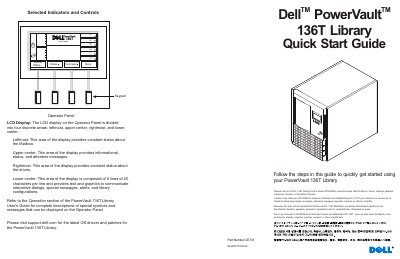
This Quick Start Guide helps users get started with the Dell PowerVault 136T Library. It describes the operator panel LCD display areas, including mailbox status, drive status, and interactive dialogs, and refers to the User’s Guide for complete symbol and message descriptions.
Setup steps include installing drive modules in empty bays, connecting SCSI jumper cables and terminators, attaching AC power, connecting SCSI cables to the host HBA, removing packing material, installing magazines, and powering up the library and host computer.
| LCD Display Format | 6 lines of 20 characters per line |
|---|---|
| SCSI Interface Type | LVD SCSI |
It provides text and graphics to communicate interactive dialogs, special messages, alerts, and library configurations.
Users can visit support.dell.com for the latest OS drivers and patches.
It is assumed that the proper SCSI adapter is installed with all of the appropriate drivers.