
Dell Inspiron 1122 Service Manual

The Dell Inspiron 1122 Service Manual provides information on how to disassemble and replace internal components of the computer.
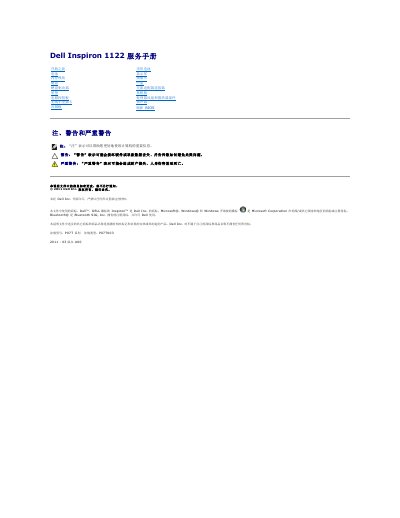

Dell Inspiron 1122 Service Manual - cover page
Brand
DELL
Category
Laptops
Document type
Service Manual
Language
Chinese
Pages
41
File format
PDF
File size
1.3 MB
Published
19 November, 2023
Updated
19 November, 2023
MD5 checksum
6C14367585ECC2D31C1B07E2605B6A4D

About this manual

This document is a service manual for the Dell Inspiron 1122 laptop. It provides detailed instructions for removing and installing various internal components, including the AC adapter connector, audio board, battery, keyboard, hard drive, palm rest, display, and system board. The manual also covers safety precautions and the procedure for refreshing the BIOS. This manual is written in Chinese.

What's inside

  • AC Adapter Connector
  • Audio Board
  • Battery
  • BIOS Update
  • Components Removal
  • Components Installation
  • Hard Drive
  • Keyboard
  • Palm Rest
  • System Board

Frequently asked questions

How do you remove the battery from the computer?

Slide the battery release latch to the unlock position, then slide the battery out of the battery slot.

How do you reinstall the battery?

Slide the battery into the battery slot until it clicks into place.

Which screwdriver is recommended for the procedures in this manual?

A Phillips screwdriver is recommended.

Download PDF (1.3 MB)

More DELL Manuals


View all DELL manuals →