
The Dell™ XPS™ L511z notebook is a thin and stylish notebook that features an Intel Core i5 processor, a 13.3-inch display, and weighs only 1.36 kilograms and is only 1.8 centimeters thick.
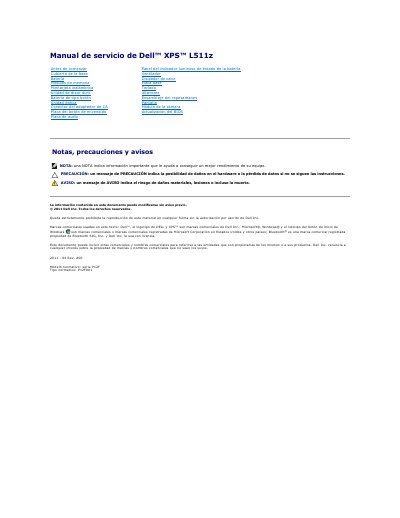
This Spanish-language service manual covers the Dell XPS L511z notebook and describes procedures for removing and installing internal components. It includes safety notices, required tools, and step-by-step instructions for parts such as the battery, memory, hard drive, optical drive, keyboard, and display.
Before beginning any procedure, users should shut down the computer, disconnect all cables and power sources, and remove the battery. The manual also explains how to update the BIOS using the executable update program available at support.dell.com. This manual is written in Spanish.
| Regulatory model series | P12F |
|---|---|
| Regulatory model type | P12F001 |
Only a certified technician should perform repairs on the computer; unauthorized repairs are not covered by the Dell warranty.
Discharge static electricity from your body by touching an unpainted metal surface, such as the metal at the back of the computer.
Go to support.dell.com/support/downloads, select the product model, and download the latest BIOS file.